Intel and Apple Silicon
The launcher detects your processor and picks the right Java for the game.
GummerCraft Launcher runs on Macs with Intel and Apple Silicon (M1, M2, M3, M4) processors, with native ARM64 Java for modern Minecraft versions.
The launcher detects your processor and picks the right Java for the game.
You only need Java to start the launcher itself, installed once before the first launch.
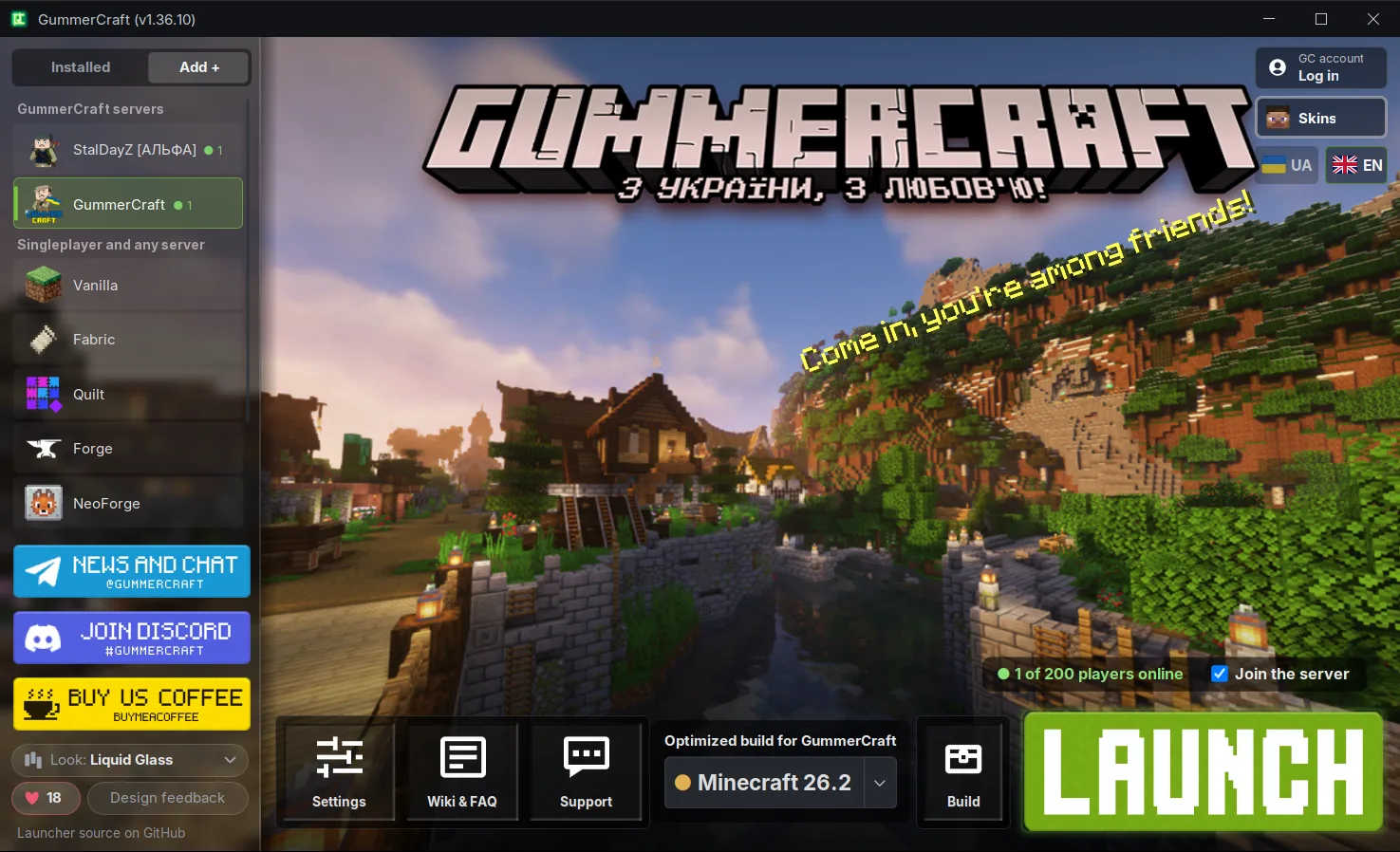
Vanilla of every version, Fabric, Quilt, Forge and NeoForge, mods and modpacks from Modrinth, Microsoft login, no ads. Plus StalDayZ and GummerCraft builds.
A tiny file. The launcher is about 1.2 MB, and it downloads everything else by itself.
Takes a few minutes, done once.
Download Java for Mac (Eclipse Temurin, PKG file) and install it like any app. Java 8 or newer works. If you already have Java, skip this step.
Press «Download for Mac». The file Gummer_Craft_launcher.jar is downloaded.
Double-click the file. If macOS says it can't open it, Control-click (or right-click) the file and choose «Open». You can also allow it in «System Settings», «Privacy & Security».
Choose Vanilla, a mod loader, a Modrinth modpack, StalDayZ or a GummerCraft build and press «Launch». The launcher downloads Java for the game by itself.
Run on native ARM64 Java on Apple Silicon, no Rosetta.
Ship with Intel-only libraries, so the launcher uses Intel Java for them and the game runs through Rosetta 2. The official Mojang launcher works the same way.
If an old version won't start, install Rosetta 2 with this Terminal command:
% softwareupdate --install-rosetta
GummerCraft Launcher is also available for Windows, Linux and Steam Deck. All features are on the launcher page.